
🎄 Festive Rush - Deliveries might take a bit longer. We appreciate your patience.
Festive Period 2025
Cut-Off Times


Starting out as an Amazon seller in Australia often means making decisions quickly and doing it on a tight budget. Before committing to paid software, many sellers look for free Amazon seller tools to check product demand, estimate margins, and test listings without adding extra monthly costs.
That need has only grown as Amazon Australia’s FBA marketplace expands. Nearly 8 million Australians shopped on Amazon in 2024, while recent updates to FBA fees and storage rules have made cost tracking more important than ever.
For small brands and first-time sellers, using the right free tools can mean fewer pricing mistakes and clearer profit expectations.
Create shipping labels and book courier pickups for Amazon FBA inbound shipments with Couriers & Freight.
Get a Quote NowSellers looking for a practical shipping solution can explore Couriers & Freight to streamline order fulfilment and Amazon FBA inbound shipments.
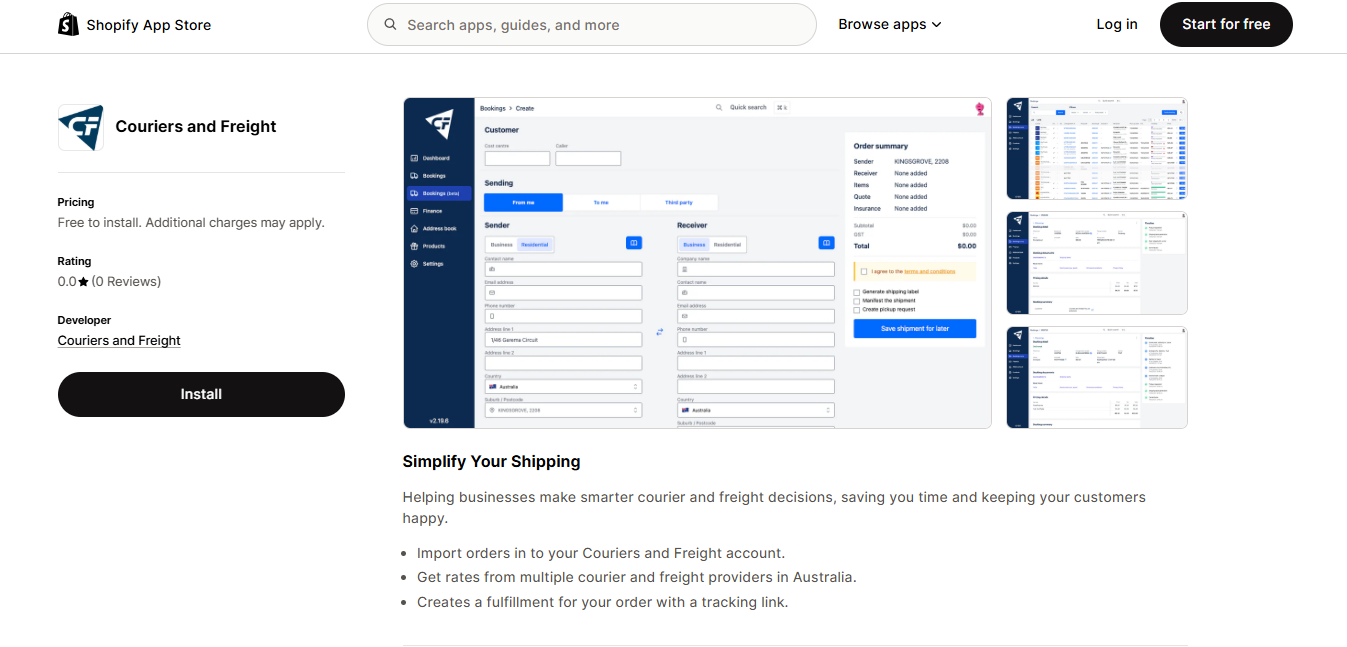
Couriers & Freight’s Shopify Shipping App helps sellers manage shipping tasks once orders are ready to go. It allows users to generate shipping labels, compare rates across Australian couriers, book pickups, and track parcels without switching between systems.
For sellers sending inventory to Amazon Australia (FBA) or fulfilling Shopify orders alongside Amazon sales, the app reduces manual data entry and keeps shipment details organised in one place.
Ideal for sellers managing both Shopify and Amazon shipments. The free tier covers core shipping tasks such as label creation, booking, and tracking, which helps reduce repetitive admin work. A practical option for small to mid-sized sellers who want more control over shipping without committing to a full logistics platform.
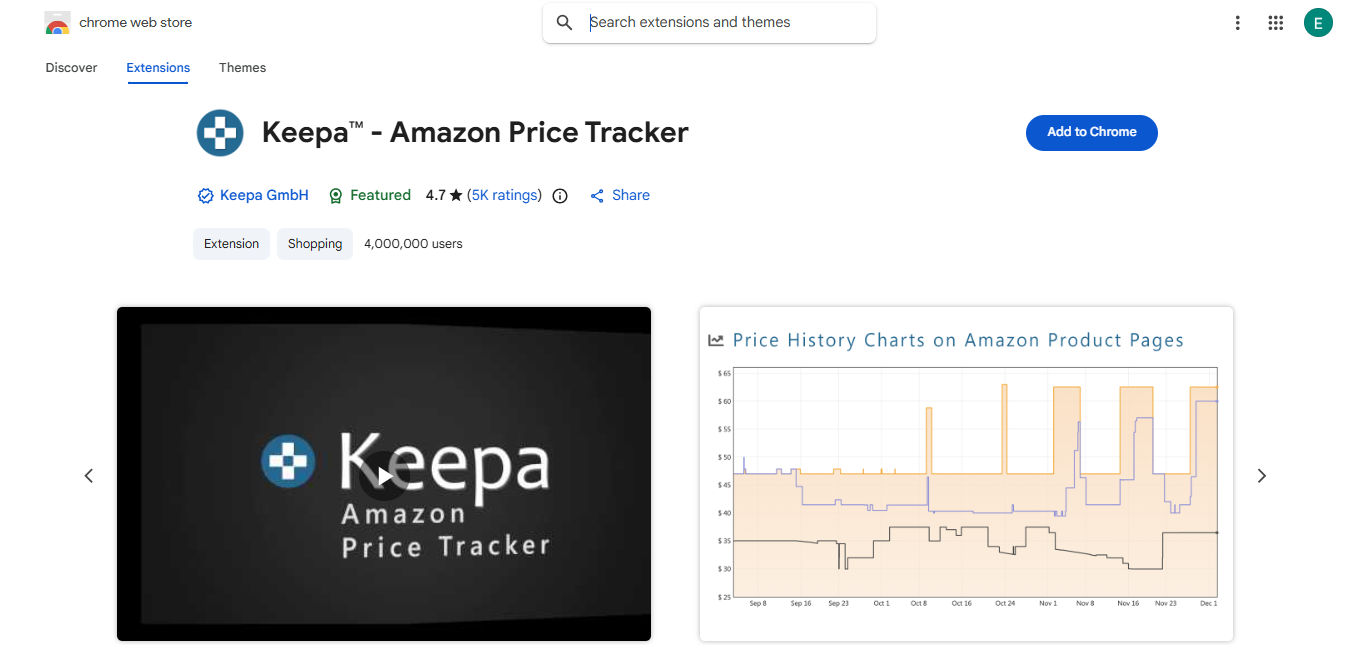
Keepa is a browser-based tool that tracks historical prices and sales rank data for Amazon products. Sellers use it to review how prices have changed over time and to spot demand patterns before sourcing or repricing products.
While Keepa is widely used for product research, it no longer supports the Amazon Australia marketplace, which limits its usefulness for sellers focused solely on Amazon AU.
Helpful for learning how pricing and demand fluctuate on Amazon, particularly for sellers researching international marketplaces. For Australian-only sellers, the lack of Amazon AU support is a significant limitation, making Keepa better suited as a secondary reference rather than a primary research tool.
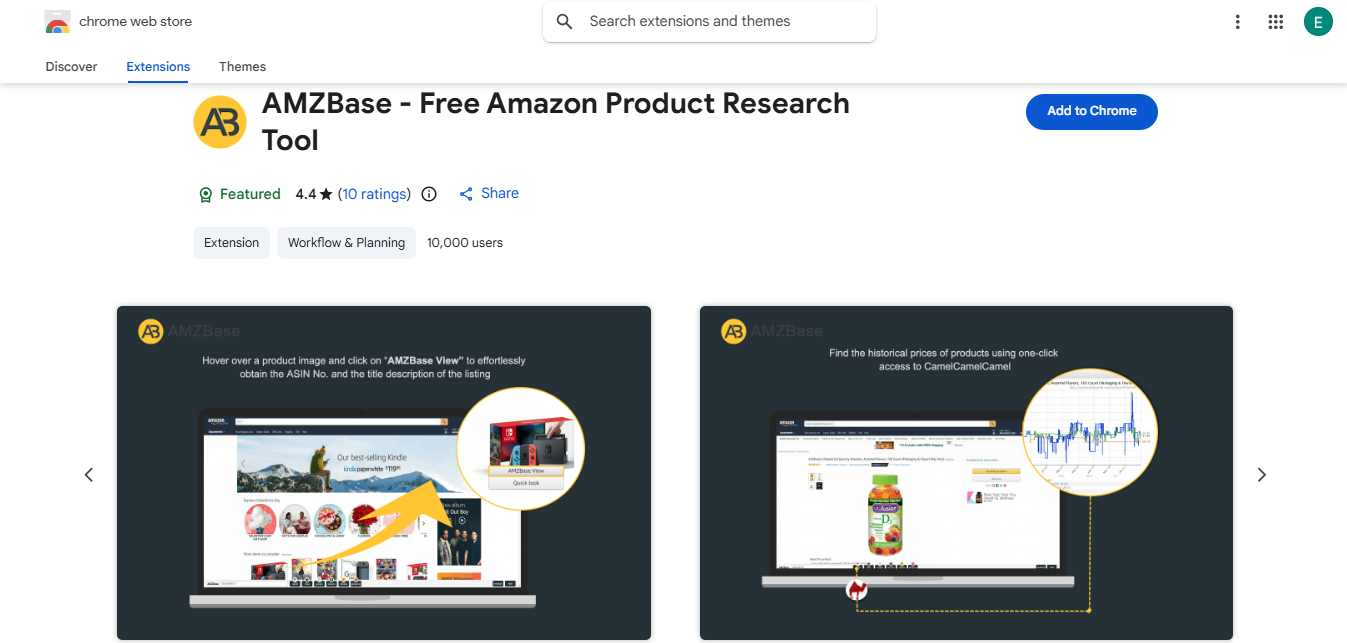
AMZBase is a lightweight tool used for quick ASIN lookups and basic margin checks directly from Amazon product pages. Sellers often use it during early research to review prices, estimate rough profitability, and decide whether a product is worth investigating further.
It runs in the browser and does not require account setup, making it useful for fast, one-off checks.
Best suited for early-stage screening rather than detailed research. AMZBase works well for sellers who want a fast way to check pricing and rough margins, but it lacks demand data, competitor analysis, and deeper insights needed for scaling decisions.
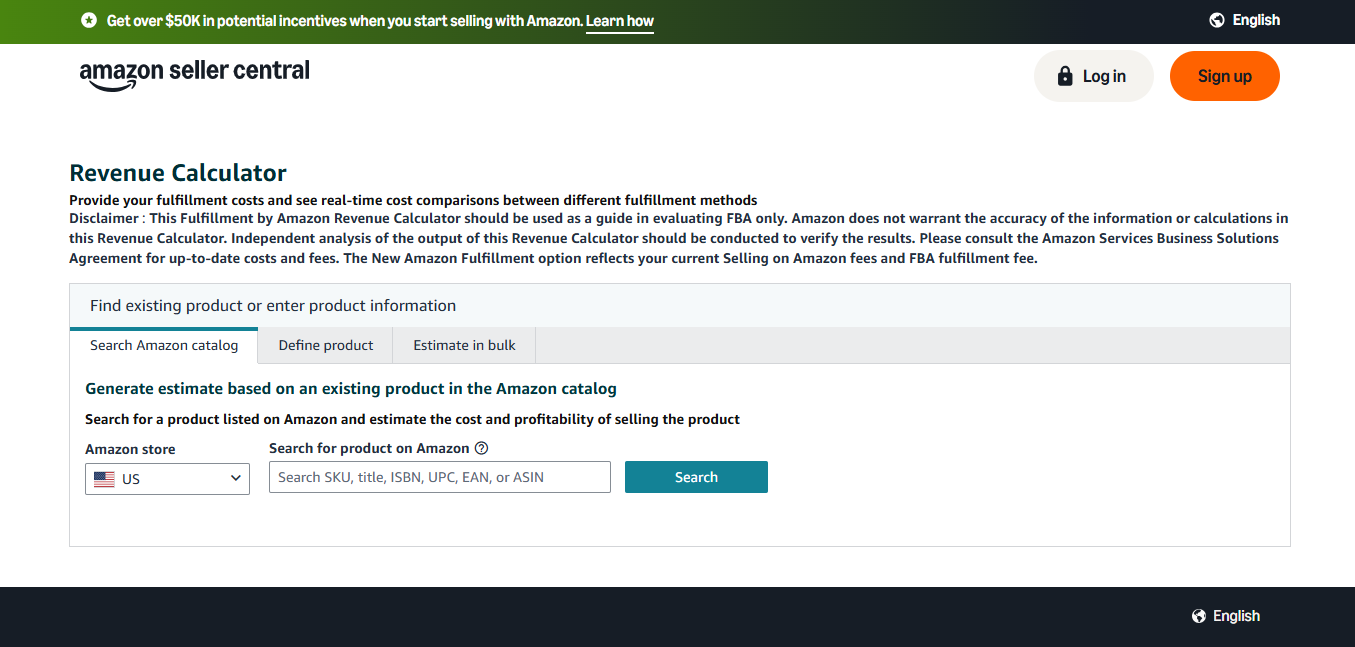
The Amazon FBA Calculator helps Australian sellers estimate fulfilment fees, storage costs, shipping charges, and profit margins before listing a product. Sellers typically use it to understand how Amazon fees affect pricing and whether a product remains viable after fulfilment and storage costs are applied.
With recent 2024–2025 updates to FBA fee structures, including changes to fulfilment and storage charges, the calculator provides a practical way to check margins before committing to inventory.
Essential for new and small-scale sellers. It gives a clear view of post-fee margins and helps prevent underpricing or unprofitable listings. However, it does not provide demand or trend data, so it works best when paired with a separate product research tool.
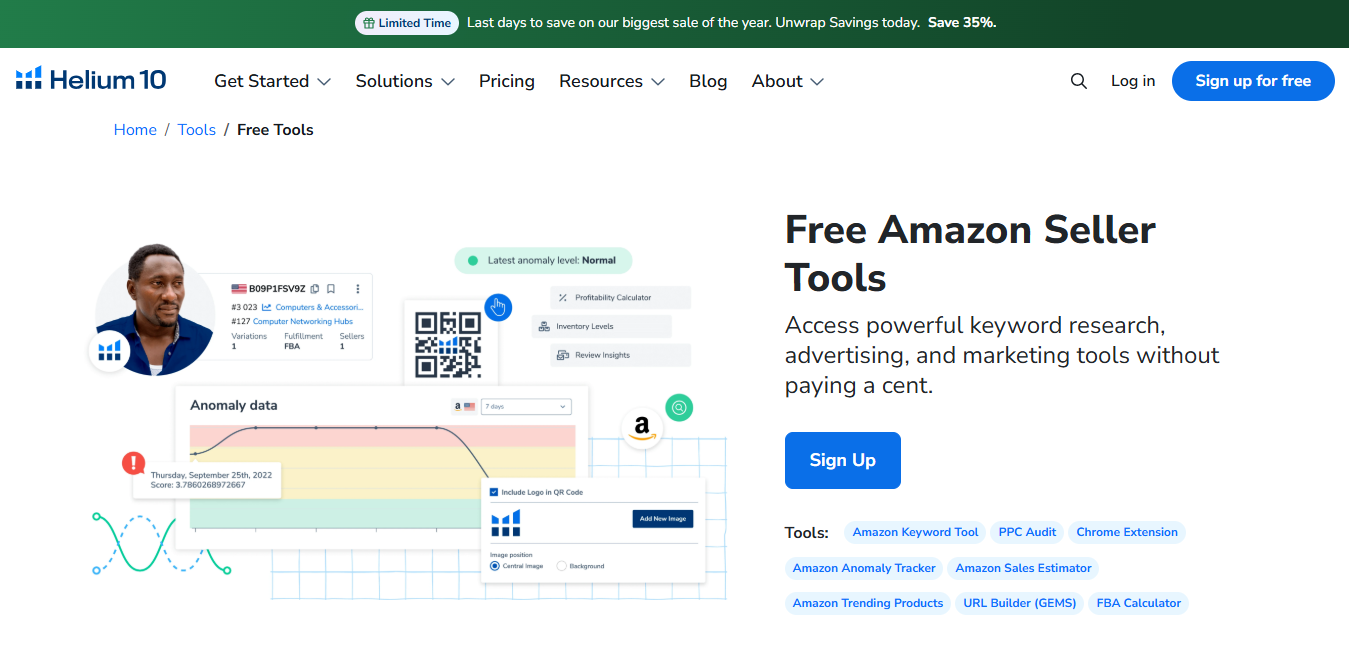
Helium 10 provides a selection of free tools that help sellers test product ideas, review basic demand signals, and improve listing keywords before upgrading to a paid plan. Sellers commonly use the free tier to run initial keyword checks, review competitor listings, and validate whether a product is worth deeper research.
While usage limits apply, the free tools are sufficient for early-stage testing without upfront cost.
Helium 10’s free tier is a strong starting point for beginners and small sellers who want to explore keyword research and listing optimisation at no cost. The free tier works best for testing ideas and refining early listings, but its limits mean sellers will need additional tools when moving beyond initial validation.
Couriers & Freight supports sellers once orders are ready to ship or inventory needs to be moved. For businesses running both Shopify stores and Amazon FBA accounts, it provides a single place to manage shipping tasks without jumping between courier systems or spreadsheets.
Use cases include:
For sellers who want a practical way to manage shipping across Amazon and Shopify, the Couriers & Freight Shopify app allows you to compare rates, book shipments, and track deliveries without adding extra tools to your workflow.
Create shipping labels and book courier pickups for Amazon FBA inbound shipments with Couriers & Freight.
Get a Quote Now


MHP

No Surcharge*

$16.50
$14
$15.50
$0
$15.50
$14.75
$0
$0
$0
$0
MHP Large Item
No Surcharge*
$16.50
$75
$62
$62
$60.10
$14.75
$0
$0
$0
$0
Residential Pickup
No Surcharge*
$6
$0
$9
--
$9
$10.60
$0
$0
$0
$38.50
Reidential pick up 30-99kgs
No Surcharge*
$63
$0
$9
$0
$9
$74.15
$20
Won't carry
Won't carry
$38.50
Residential pick up 100kgs+
No Surcharge*
$198
$0
$9
$0
$9
$158.87
$50
Won't carry
Won't carry
$38.50
Residential Delivery up to 29kgs
No Surcharge*
$6
$0
$9
--
$9.00
$10.60
$0
$0
$0
$38.50
Residential Delivery up 30-99kgs
No Surcharge*
$63
$0
$9
$0
$9
$74.15
$20
Won't carry
Won't carry
$38.50
Residential Delivery 100kgs+
No Surcharge*
$198
$0
$9
--
$9
$158.57
$50
Won't carry
Won't carry
$38.50
Tail Lift Pick up 50-99kgs Sydney / Melbourne
No Surcharge*
$45
$50-$250
$88
$88
$88
$44.07
$120
Won't carry
Won't carry
$61.50
Tail Lift Pick up 100-299kgs Sydney / Melbourne
No Surcharge*
$85
$50-$250
$88
$88
$88
$44.07
$120
Won't carry
Won't carry
$61.50
Tail Lift Pick up 300-499kgs Sydney / Melbourne
No Surcharge*
$120
$50-$250
$88
$88
$88
$44.07
$120
Won't carry
Won't carry
$61.50
Tail Lift Pick up 500kgs + Sydney / Melbourne
No Surcharge*
$250
$50-$250
$88
$88
$88
$44.07
$120
Won't carry
Won't carry
$61.50
Tail Lift Delivery 50-99kgs Sydney / Melbourne
No Surcharge*
$45
$50-$250
$88
$88
$88
$44.07
$120
Won't carry
Won't carry
$61.50
Tail Lift Delivery 100-299kgs Sydney / Melbourne
No Surcharge*
$85
$50-$250
$88
$88
$88
$44.07
$120
Won't carry
Won't carry
$61.50
Tail Lift Delivery300-499kgs Sydney / Melbourne
No Surcharge*
$120
$50-$250
$88
$88
$88
$44.07
$120
Won't carry
Won't carry
$61.50
Tail Lift Delivery 500kgs + Sydney / Melbourne
No Surcharge*
$250
$50-$250
$88
$88
$88
$44.07
$120
Won't carry
Won't carry
$61.50
Dead weight over 32KGS carton freight
No Surcharge*
$16.50
$75
$70
$70
$70
$14.75
$0
Won't carry
Won't carry
$0
Oversize Surcharge 1.20 - 1.54
No Surcharge*
--
$0
$0
$0
$0
$5.40
$10
$15
Won't carry
$0
Oversize Surcharge 1.55 - 1.85
No Surcharge*
$17
$20
$0
$0
$0
$11.93
$10
$15
Won't carry
$0
Oversize Surcharge 1.86 - 2.20
No Surcharge*
$37
$40
$0
$0
$0
$11.93
$10
Won't carry
Won't carry
$0
Pallet Surcharge
No Surcharge*
--
$0
$0
$0
$0
$0
$0
Won't carry
Won't carry
$0
Hand Unload Fee Carton
No Surcharge*
--
$0
$70
$70
$70
$47
$0
Won't carry
Won't carry
$61.50
Western Australia Regional Surcharge
No Surcharge*
%10
$0
$0
$0
$0
$0
$0
$0
$0
$0
*Surcharges may apply to areas/deimensions not listed
**Prices correct of 16th September 2024

Click to start shipping in less than 60 seconds